The Archive / World & Exploration / Field Guide & Wildlife Discovery
World & Exploration
Field Guide & Wildlife Discovery
Document Indura’s flora and fauna, learn the supported scanning methods and understand hidden identities.
Why the Field Guide matters
The Field Guide lets players discover and document the living world rather than being handed the identity of every plant or creature immediately. PotA’s Jade integration can hide undiscovered names until the relevant entry has been recorded.
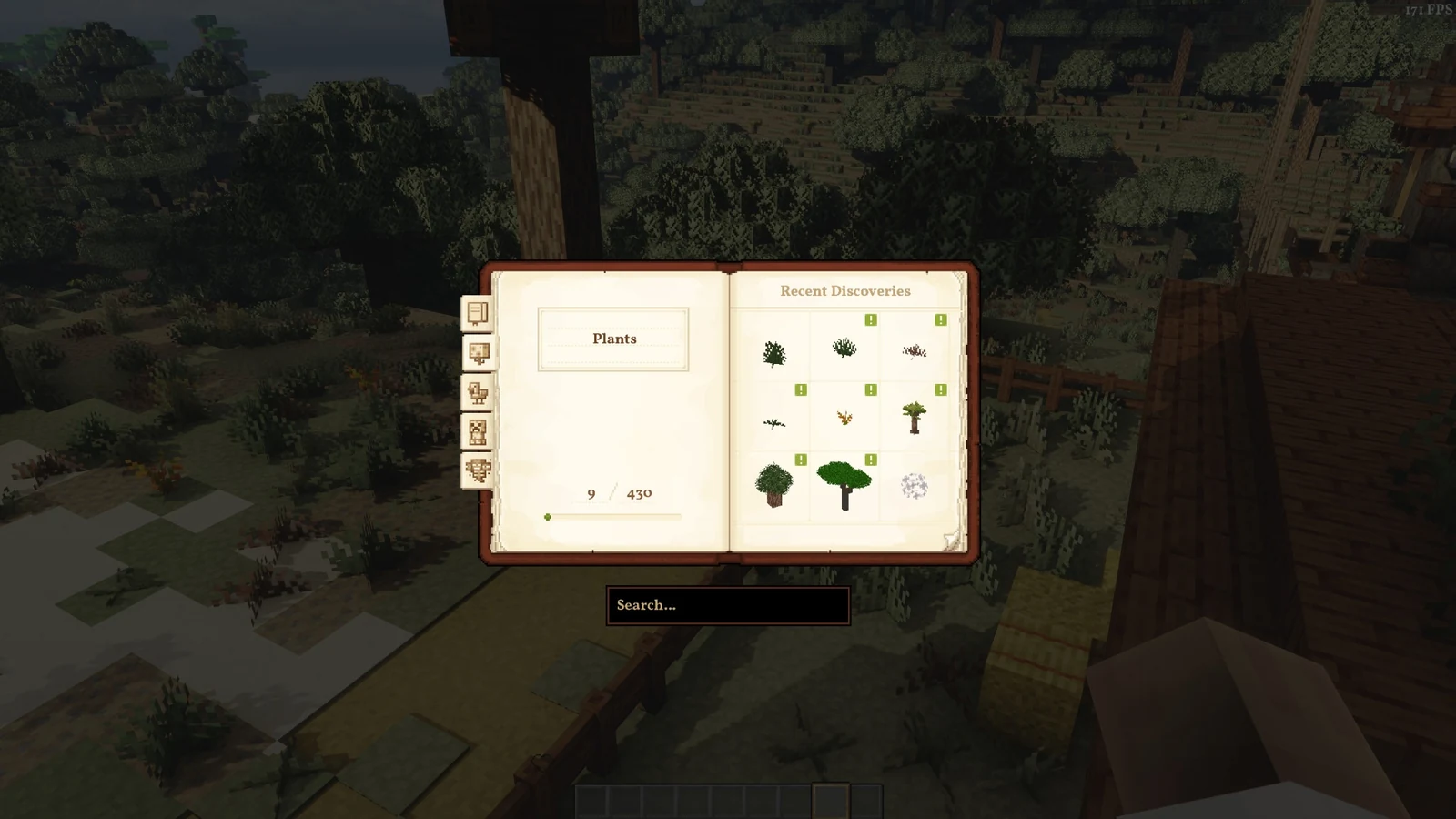
Scanning rules in PotA
| Tool or method | Configured behaviour |
|---|---|
| Spyglass | Scanning enabled; reach up to 64 blocks. |
| Lens | Scanning enabled up to 6 blocks; discovery enabled within 24 blocks. |
| Naked eye | Direct naked-eye scanning and discovery disabled. |
| Field Guide item | Item-specific scanning disabled; the guide can be opened without requiring the item. |
| Jade | Undiscovered names can be hidden. |
Recording new discoveries
- Open the Field Guide from its in-game shortcut or inventory button.
- Use a supported scanning tool to observe a suitable plant or creature.
- Once an entry is documented, return to the guide to read its information.
- Continue exploring different biomes to encounter new entries.
Experience and progression
Scan XP is enabled. The configuration includes category-specific XP amounts for plants, animals, monsters and bosses. Some categories award more than others. We recommend using the in-game reward display rather than assuming every entry awards an identical value.